Laser cutting templates, made to your measurements
Pick what you want to cut, type your measurements and take away the file ready for the machine. It is all worked out in your browser: nothing to install and your design is never uploaded anywhere.
27 tools · SVG and DXF in millimetres · the vectorizer and two boxes, unlimited
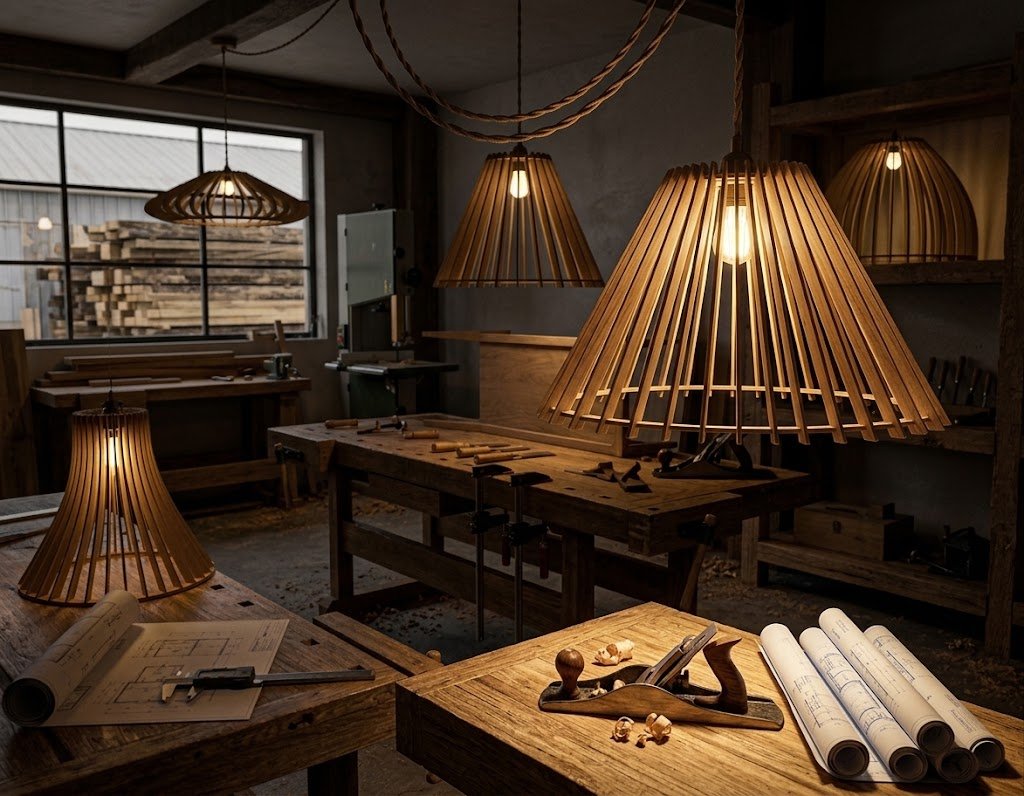
How it works
-
Pick a template
A box, a lamp, a dome, a keyring, a clock. Each one is a generator, not a fixed drawing: the shape is built from your numbers.
-
Type your measurements
Height, width, the real thickness of your material and your machine’s kerf. The drawing is redone as you type and you check it in 2D and in 3D before cutting.
-
Download and cut
SVG or DXF in millimetres and at 1:1, with cutting and engraving on separate named layers. It opens as is in LightBurn, RDWorks, LaserGRBL or Inkscape.
A good place to start
See all 27 templates →-
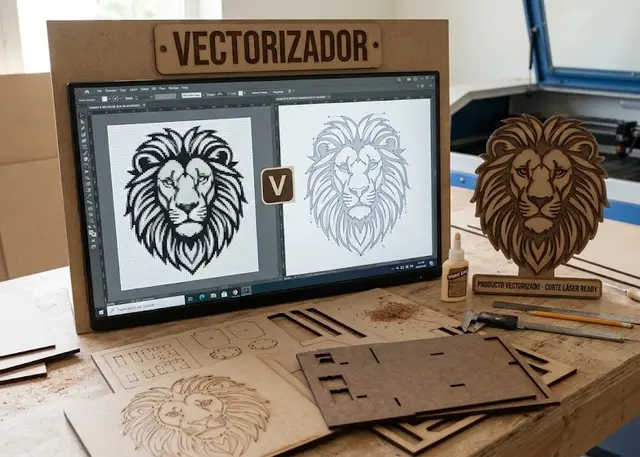 Tool Free
Vectorizer
Turn a PNG or a JPG into an SVG ready to cut, at the size you need.
Traces the outline of the shape, or the centre line of the stroke if the drawing was made with a thick pen.
Open → -
 Template New Pro
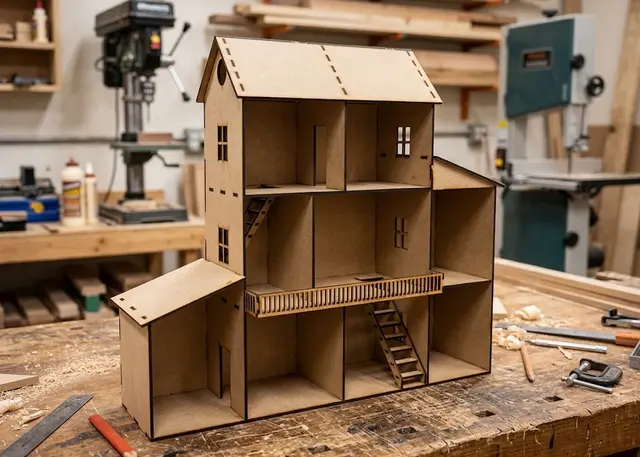
Dollhouse
A dollhouse made to your measurements: you pick how many floors, how tall each one is and how many rooms it splits into.
Floors and rooms row by row, a gabled or single-slope roof, a lower side wing that stops it being a box, and each staircase wherever you want it.
Open → -
 Template New Pro
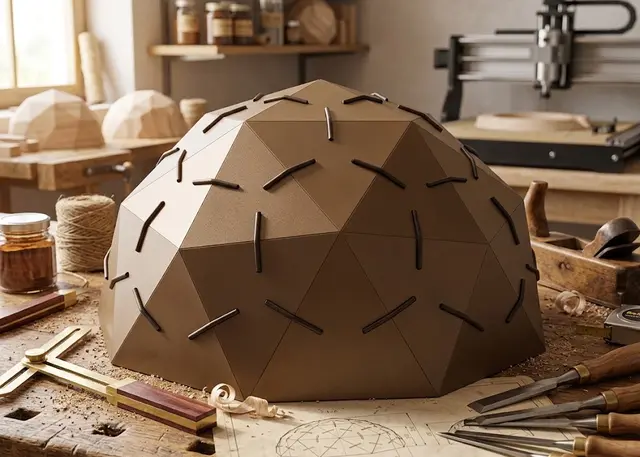
Geodesic dome
A dome of triangles that clip together: pick the diameter and the frequency, and the pieces come out with the exact angles.
A sphere of triangles that clip together. Frequency 1V to 4V, half a sphere, 3/8, 5/8 or the whole sphere, solid or cut-out panels, and the holder hole to use it as a hanging lamp.
Open → -
 Template New Pro
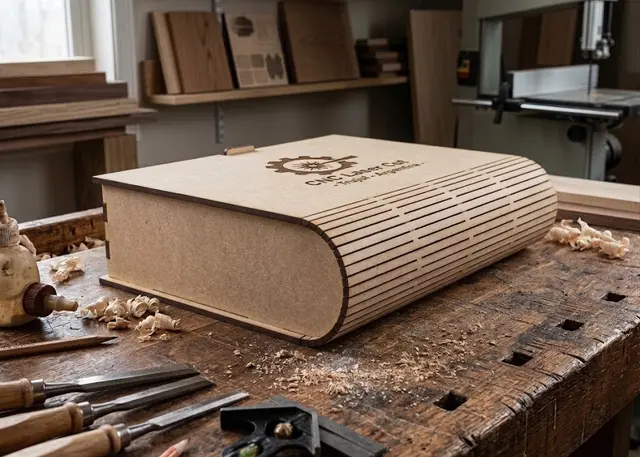
Book box
A box shaped like a book: cover, curved spine and back in one piece, a tray with dividers and a wooden or magnetic catch.
Cover, curved spine and back in one living-hinge piece. Tray with dividers, a wooden catch or magnets, and the title on the cover and the spine.
Open → -
 Template New Pro
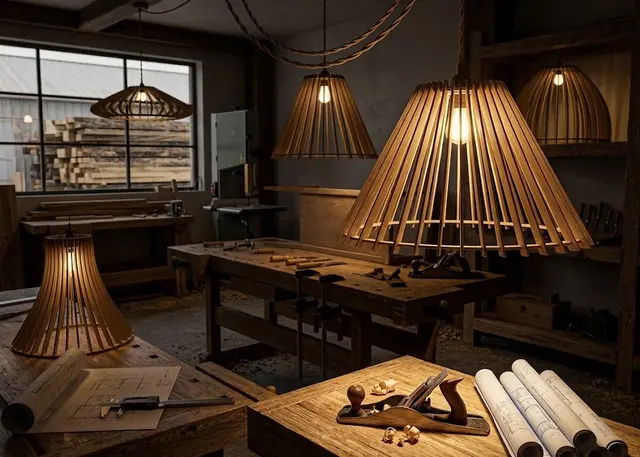
Slatted lamp
A hanging lamp made of rings and slotted slats: cone, globe, bell or tulip, with the hole for the lamp holder.
Rings and slats that interlock halfway, with no glue. Four profiles, as many slats as you like and the holder hole made to measure.
Open → -
 Template Free
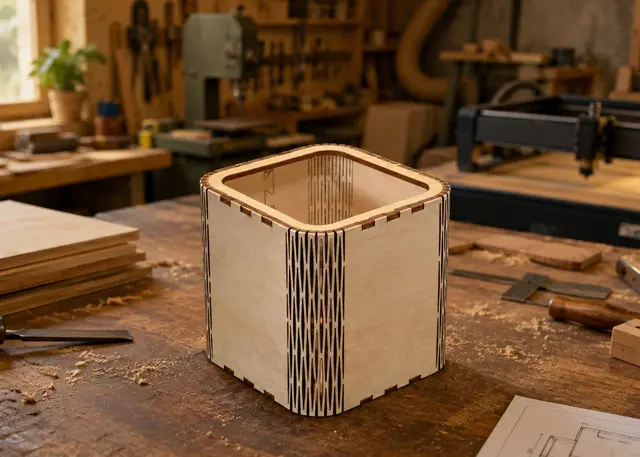
Curved corner box
A box with rounded walls: the wall bends on its own thanks to a living hinge cut into the MDF.
All four walls come out as a single strip with a living hinge, the length measured on the inner face, and a warning when the radius is too tight.
Open → -
 Template Free
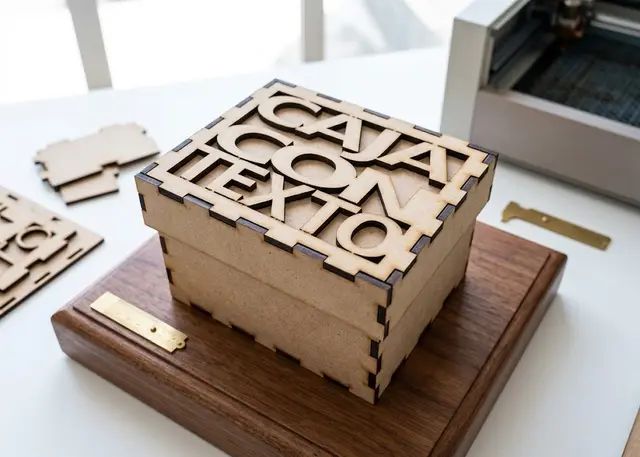
Finger joint box
A made-to-measure box for laser cutting in MDF or acrylic, with an optional lid and dividers.
Inside or outside measurements, your choice of lid, internal dividers and kerf compensation.
Open → -
 Template Pro
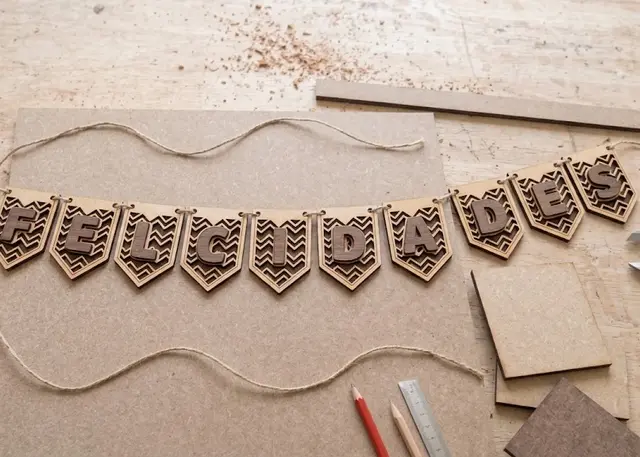
Bunting
A garland of pennants in the shape you choose, with a polka-dot, diagonal or zigzag pattern and one letter on each.
Five shapes, a polka-dot, diagonal, zigzag or striped pattern, and one letter per pennant: engraved, cut out or cut separately to glue on top.
Open → -
 Template Pro
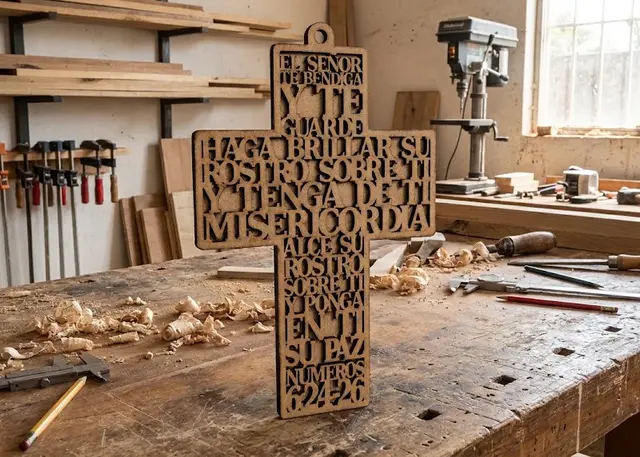
Cross with text
A hanging cross with a prayer or a verse cut in negative: every row runs edge to edge across its section.
A prayer or a verse in negative: the rows share themselves out between the upright and the arm, and each one lands on the frame at both ends. Optional loop and backing.
Open →
What is free and what you pay for
Every template is free to try: you open it, adjust it and see exactly how the design will turn out. What needs a subscription is downloading the file to cut it, and there is no charge per download: with Pro you take as many as you like.
The vectorizer and both boxes — the finger joint box and the curved corner box — are free and unlimited, and the vectorizer does not even ask for an account. Signing up for a free account also gets you five trial downloads from any template in the catalogue, so you can cut for real before deciding.
Pro opens the whole catalogue, exports are unlimited and you can sell what you cut.
Frequently asked questions
What file do I get?
An SVG or a DXF, your choice, in millimetres and at 1:1 scale. Cutting and engraving come on separate named layers —“Cut” in red and “Engrave” in blue— so you set the power for each without separating anything by hand. It opens as is in LightBurn, RDWorks, LaserGRBL, Inkscape, Illustrator or CorelDRAW.
Do I need an account?
Not to use and adjust a template: they open and work in full. The account is for downloading the file, and it is free: it comes with five trial downloads from any template in the catalogue. The vectorizer and both boxes are unlimited, and the vectorizer does not even ask for an account.
Will it work with my machine?
It works with any laser that opens SVG or DXF, which is all of them. What makes the pieces fit on YOUR machine with YOUR material are two numbers you set on every template: the real thickness of the sheet —measure it with a caliper, MDF sold as “3 mm” usually comes in at 2.7— and the kerf, which is what the cut eats away.
Do I have to install anything?
No. Everything is worked out in your browser, so there is nothing to install, your design is never uploaded to a server, and it works the same on Windows, Mac or Linux. Same with the vectorizer: the image never leaves your computer.
What materials can I cut?
Whatever your laser cuts: MDF, plywood, acrylic, card, leather. The template knows nothing about materials —it draws the joints from the thickness and the kerf you give it— so switching material is changing those two numbers and downloading again.
Can I sell what I cut?
With the Pro plan, yes: the pieces you cut are yours and you can sell them. What you cannot do is resell or share the file itself, which is what is being bought here.
Missing the one you need?
New ones every month. If there is something you cut often and would like made to measure, write to us.