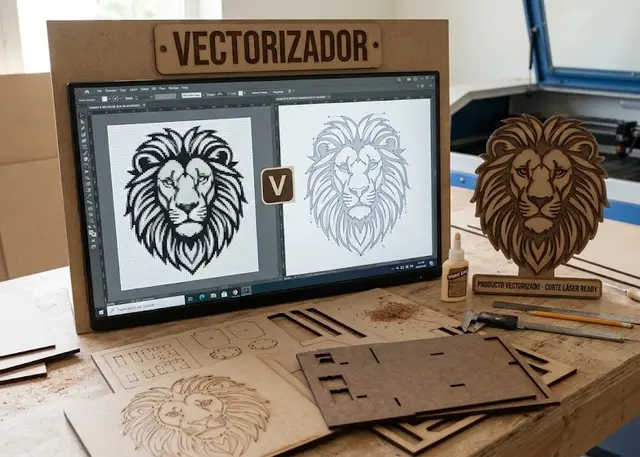
Vectorizer
Turn a PNG or a JPG into an SVG ready to cut. It runs entirely in your browser: the image is never uploaded anywhere.
Traces the outline of the shape, or the centre line of the stroke if the drawing was made with a thick pen.
Image
Tracing
Size
Drag an image here
PNG, JPG or WEBP · it never leaves your browser
Which of the two modes
Outline follows the edge of the shape. It is what you want almost every time: a silhouette, a logo, a letter.
Centre line follows the middle of the stroke. It is for a drawing made with a line that has thickness — a signature, a route, a neon strip — which in outline mode would come out as two nearly parallel edges instead of a single line.
Frequently asked questions
Vectorizer: which images does it take?
PNG, JPG and WEBP. It works best with line drawings or well-contrasted silhouettes — a logo, a scanned hand drawing, a black shape on white — and the threshold slides until the trace picks up exactly what you want.
Is my image uploaded to a server?
No. Your browser does all the work: the image never leaves your computer and is not stored anywhere. That is also why it keeps working with no internet once the page has loaded.
What is the difference between outline and centre line?
Outline follows the edge of the shape, which is what you want almost every time. Centre line follows the middle of the stroke, for drawings made with a line that has thickness: tracing the outline would give two nearly parallel edges instead of one line.
What format does it download in, and at what size?
SVG, at the size you type in millimetres or inches and at 1:1 scale, ready for the machine. The size is the drawing’s, not the image’s: the white margin is trimmed off on its own.
Others you might need
-
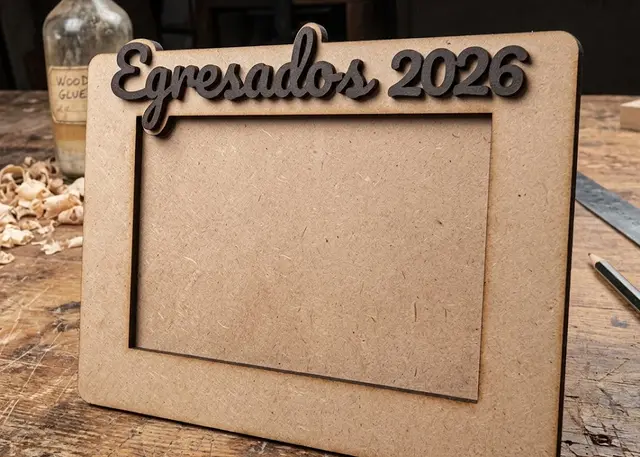 Photo frame A three-layer frame made to the size of your photo, with a slot to slide it in and a stand or holes to hang it.
 -
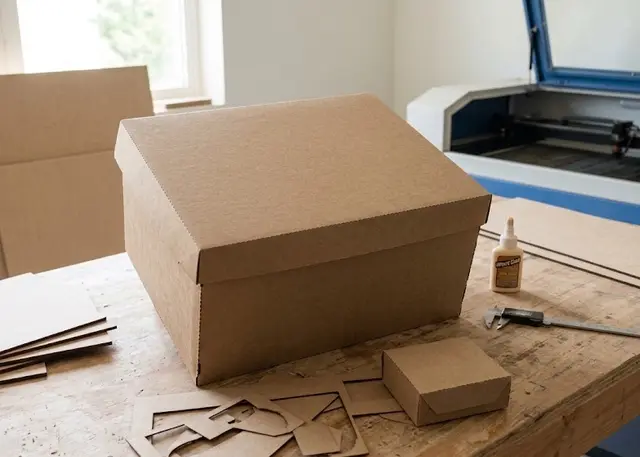 Folding box The flat net of a box to cut and fold: tray, lid and base, or a flap box, with a window and score lines.
 -
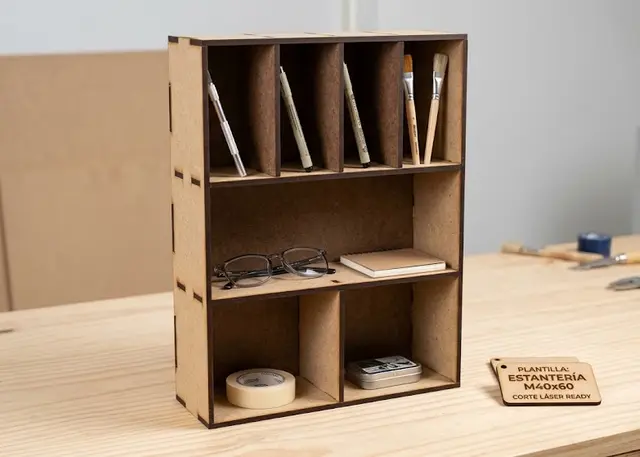 Shelving unit A made-to-measure shelving unit: you pick how many shelves, how tall each one is and how many bays it splits into.