Cross with text Pro
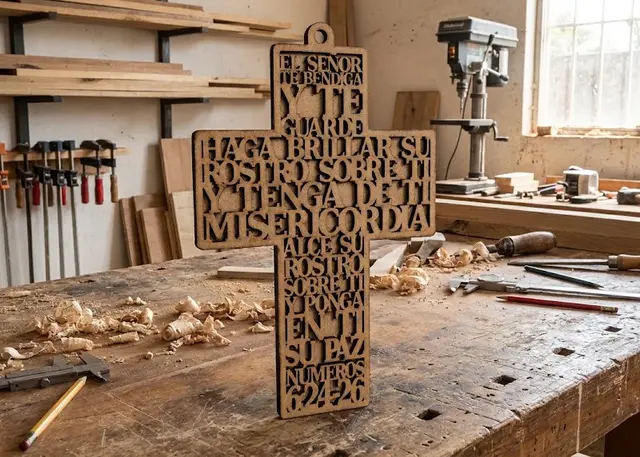
A hanging cross with a prayer or a verse cut in negative: every row runs edge to edge across its section.
A prayer or a verse in negative: the rows share themselves out between the upright and the arm, and each one lands on the frame at both ends. Optional loop and backing.
How it is made
The letters are what stays. Everything around them is cut away, and every row stretches until it lands on the frame at both ends: so nothing falls out when you lift the piece, just like the lid of the box.
The rows share themselves out. Write one row per line and the template decides which go on the top of the upright, which on the arm and which below, keeping the letters as undistorted as possible. Long rows look best on the arm; short words, on the upright.
The backing gives it colour. It is a second whole cross glued on behind. Cut in another shade — or painted — it makes the text readable from across the room.
Serif fonts work best. In negative the letters touch each other: with serifs they touch only at the tips and there is air between them, so the text reads. Without serifs, an "I" sticks along its whole height to the "H" beside it. And keep it heavy: a thin font leaves strokes that burn or snap.
Frequently asked questions
Cross with text: what size can it be?
Every measurement is typed in millimetres and the drawing is redone as you type: height, from 60 to 800 mm, width, from 40 to 600 mm and upright width, from 15 to 400 mm. Everything else — joints, dividers, holes — is worked out from those measurements.
Does it work for MDF, acrylic or plywood?
For any sheet your laser can cut: MDF, plywood, acrylic or thick card. What matters is the thickness, adjustable from 0.5 to 20 mm, and the kerf — what the beam eats away: the joints are drawn from those two numbers, so they push together without sanding.
What format does it download in?
SVG or DXF, your choice, in millimetres and at 1:1 scale. It opens as is in LightBurn, RDWorks, LaserGRBL, Inkscape, Illustrator or CorelDRAW, with nothing to scale or convert. Cutting and engraving come on separate named layers — “Cut” in red and “Engrave” in blue — so you set the power for each without separating anything by hand.
Do I have to pay to use it?
Cross with text is free to use and adjust: you can see exactly how your design will come out before deciding anything. Downloading the file needs the Pro plan, or one of the trial downloads that come with the free account.
Others you might need
-
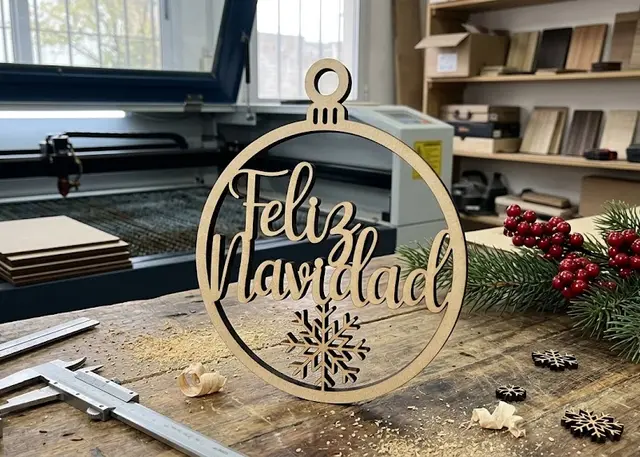 Christmas ornament A tree ornament with a name: a ring with the name across it or lace with a band, with a bow and snowflakes.
 -
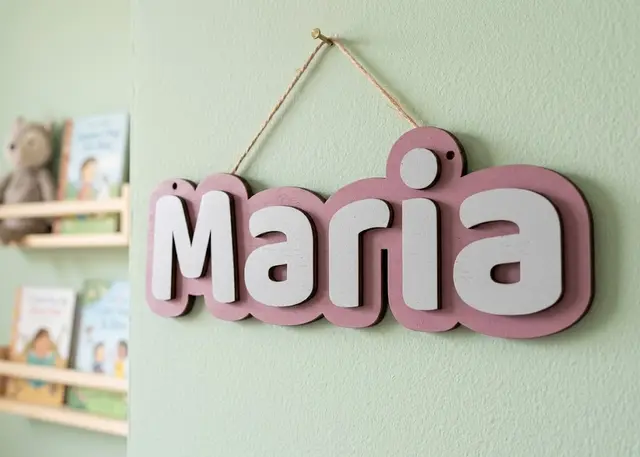 Door name sign A name to hang on a door: a one-piece backing and every letter loose, so you can paint each one a different colour.
 -
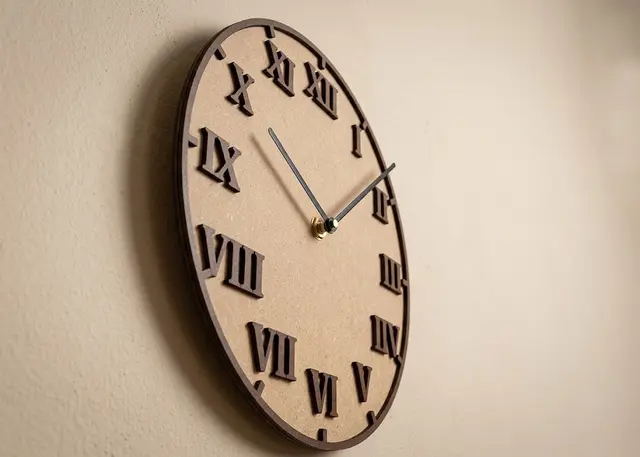 Clock face The face of a wall clock, with Arabic or Roman numerals, hour marks and minute marks.