Geodesic dome Pro
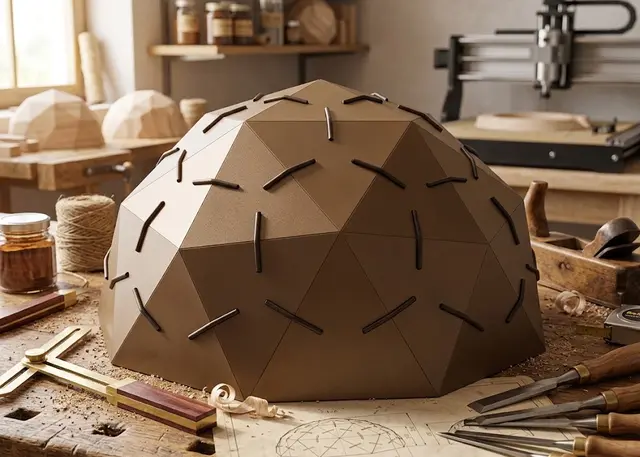
A dome of triangles that clip together: pick the diameter and the frequency, and the pieces come out with the exact angles.
A sphere of triangles that clip together. Frequency 1V to 4V, half a sphere, 3/8, 5/8 or the whole sphere, solid or cut-out panels, and the holder hole to use it as a hanging lamp.
How it goes together
A geodesic dome is a sphere made of triangles. You start from an icosahedron, split each of its twenty faces into smaller ones and push every new vertex out to the sphere. That is the frequency: 1V is the bare icosahedron and looks faceted, 2V is the classic one, and from 3V up it reads as a proper cupola. Higher is rounder — and many more pieces.
The panels are not all the same, but there are few types. A 2V half-sphere dome is built from forty panels in four types. The template calls them A, B, C… and engraves the label next to each one on the sheet: once they are mixed up after cutting, they differ by a millimetre.
The bottom row comes out trimmed flush with the floor. A sphere cut exactly in half sits flat, but at 3/8 or 5/8 the plane falls wherever it falls: drop the faces it crosses and the dome ends up standing on the points of the triangles, with V-shaped gaps between them. So those faces are trimmed flush and become four-sided panels. They are a type of their own, because they carry no notch on the resting edge.
The clip is what rules. Every edge of the dome bends at its own angle, and that angle is the only thing that makes the sphere close. The clip carries it: it crosses the triangle with a half-lap joint — the web goes through the notch in the edge and the wings grip both faces — and it stays put. Two edges that bend the same share a clip, so there are only two or three types of those as well.
Build it in rings, from the bottom up. Push the clips into one triangle’s notches, slot the neighbours onto them and work your way around. Every panel ends up held on its three sides: to escape it would have to move away from one edge, which is exactly what the other two prevent. The dome locks itself, with no glue and no screws.
There is a V between panels, on purpose. Two sheets cut square that meet at an angle dig into each other near the edge: the inner corner of one ends up on the far side of its neighbour’s plane. A laser cannot bevel, so every panel pulls back from the edge by whatever THAT edge’s angle asks for — half a millimetre on a normal dome — and what you see is a V opening outwards instead of two edges overlapping. The clip takes up that gap: its web is those millimetres longer.
The clip is a press fit, and that is the kerf’s job. If it goes in loose, raise the kerf and cut another one; if it will not go in, lower it. It pays to cut one triangle and one clip before sending the whole sheet: two small pieces that save you cutting forty wrong.
Each piece can carry its name engraved. With the option on, every panel comes out with its type engraved in the middle and, next to each notch, the number of the clip that goes there. Once cut, the pieces of a dome differ by a millimetre; with the name on them you build by looking at the piece instead of measuring it. The engraving lands on the inner face, so the finished dome does not show it — build it with that face inwards — and in the 3D view you see it by going inside the cupola.
And there is a build order under the drawing. The faces of a dome fall into horizontal rings, and building it is making those rings from the bottom up. The template lists them: how many panels of each type each ring takes, and what angle each clip has and how many of them. You cannot judge a clip’s angle by eye, so it pays to sort them into little piles as they come off the sheet.
The full sphere is the same maths with nothing cut off: every face whole and every edge with a clip. It will not sit on its own — hang it or rest it on a ring — and it goes together the same way, leaving the top cap for last, which you have to work onto the clips with them already in place inside.
The top hole is shared out between five. The top of the dome is a vertex —five panels meet there— so the hole comes from cutting a piece of a circle off each one: on the sheet every top panel has a bite taken out of it, and the circle only appears once the dome is together. It takes a cable or a cord, it lets the heat out, and above all it lets you hang the dome from a lamp holder: cut out it makes a geodesic shade, solid a closed cupola that throws the light downwards. For that, use an LED bulb — a filament or halogen one inside a wooden shell builds up heat you do not want.
The panels can be cut out. With the middle open it weighs less, uses less material and lets the light through: that is what turns it into a lamp or an openwork cupola. The border has to be wider than the clip notch, or the cut-out eats the bottom of the notch.
Frequently asked questions
Geodesic dome: what size can it be?
Every measurement is typed in millimetres and the drawing is redone as you type: base diameter, from 80 to 4000 mm, corner trim, from 0 to 8 mm and top hole, from 0 to 300 mm. Everything else — joints, dividers, holes — is worked out from those measurements.
Does it work for MDF, acrylic or plywood?
For any sheet your laser can cut: MDF, plywood, acrylic or thick card. What matters is the thickness, adjustable from 1 to 20 mm, and the kerf — what the beam eats away: the joints are drawn from those two numbers, so they push together without sanding.
What format does it download in?
SVG or DXF, your choice, in millimetres and at 1:1 scale. It opens as is in LightBurn, RDWorks, LaserGRBL, Inkscape, Illustrator or CorelDRAW, with nothing to scale or convert. Cutting and engraving come on separate named layers — “Cut” in red and “Engrave” in blue — so you set the power for each without separating anything by hand.
Do I have to pay to use it?
Geodesic dome is free to use and adjust: you can see exactly how your design will come out before deciding anything. Downloading the file needs the Pro plan, or one of the trial downloads that come with the free account.
Others you might need
-
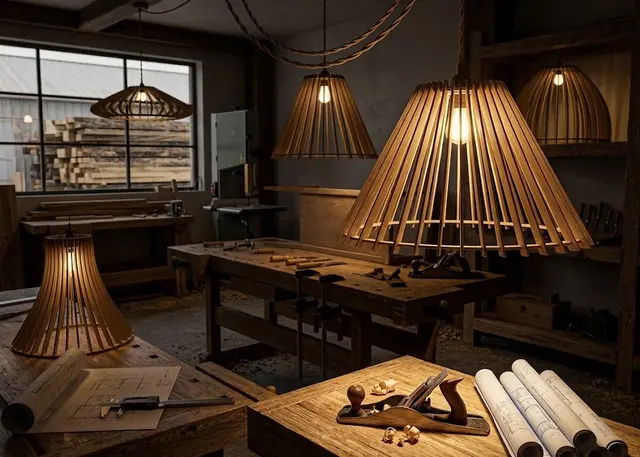 Slatted lamp A hanging lamp made of rings and slotted slats: cone, globe, bell or tulip, with the hole for the lamp holder.
 -
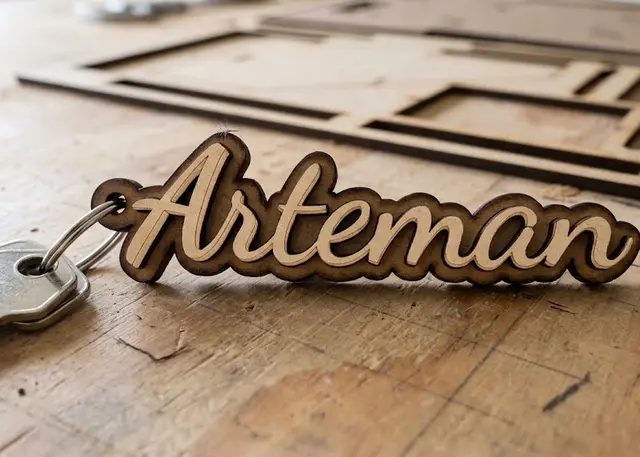 Name keyring Type one name per line and all the keyrings come out together, ready to cut.
 -
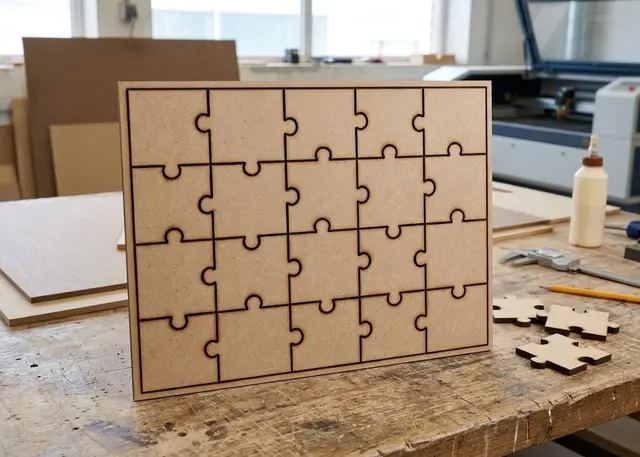 Photo jigsaw puzzle The cut lines of a jigsaw made to the size of your photo: rows, columns and tabs that really do lock together.