Book box Pro
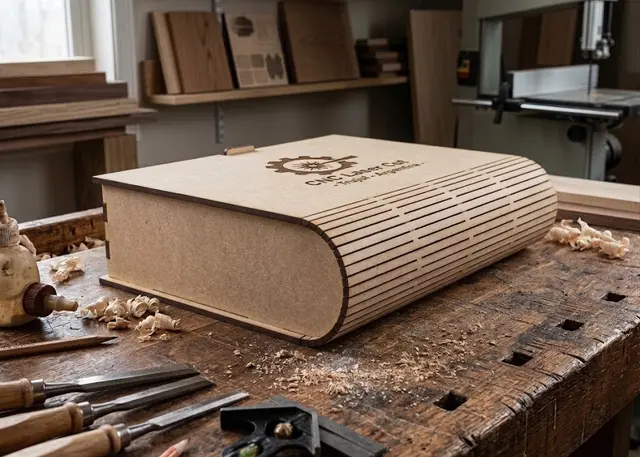
A box shaped like a book: cover, curved spine and back in one piece, a tray with dividers and a wooden or magnetic catch.
Cover, curved spine and back in one living-hinge piece. Tray with dividers, a wooden catch or magnets, and the title on the cover and the spine.
How it goes together
Cover, spine and back are one piece. The spine carries the living-hinge slots: it bends into a half circle and is also the hinge the book opens on. The strip is developed on the inner face, so folded it lands exactly right.
The side walls carry the spine curve. They are not a rectangular tray dropped inside: they end in the same half circle as the spine, so they rest against the hinge and close the gap behind it.
The floor is the back cover. The three inner walls — two sides and the front — interlock with each other and drop into the back cover on their tabs: there is nothing to measure. One piece fewer and a shallower box.
Test the spine before cutting everything. A living hinge depends on the real thickness of your material: if the spine is too tight for your MDF, the template warns you. A 40 mm test strip is cheaper than a whole book.
The catch. The wooden one is a tongue that rises from the tray, comes through the cover and locks when you turn a small plate. With magnets, one goes in the front wall and the other in a tab glued under the cover.
The spine text runs sideways, like on a book on a shelf, and the cover text is engraved or cut out.
Frequently asked questions
Book box: what size can it be?
Every measurement is typed in millimetres and the drawing is redone as you type: height, from 60 to 600 mm, width, from 50 to 500 mm and spine thickness, from 15 to 200 mm. Everything else — joints, dividers, holes — is worked out from those measurements.
Does it work for MDF, acrylic or plywood?
For any sheet your laser can cut: MDF, plywood, acrylic or thick card. What matters is the thickness, adjustable from 1 to 10 mm, and the kerf — what the beam eats away: the joints are drawn from those two numbers, so they push together without sanding.
What format does it download in?
SVG or DXF, your choice, in millimetres and at 1:1 scale. It opens as is in LightBurn, RDWorks, LaserGRBL, Inkscape, Illustrator or CorelDRAW, with nothing to scale or convert. Cutting and engraving come on separate named layers — “Cut” in red and “Engrave” in blue — so you set the power for each without separating anything by hand.
Do I have to pay to use it?
Book box is free to use and adjust: you can see exactly how your design will come out before deciding anything. Downloading the file needs the Pro plan, or one of the trial downloads that come with the free account.
Others you might need
-
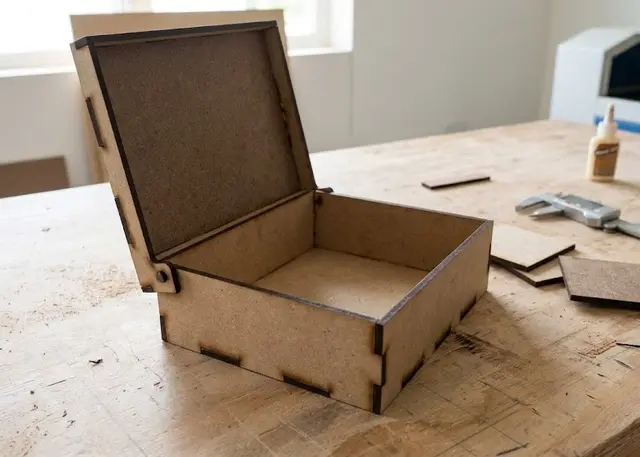 Hinged lid box A box whose lid pivots on a wooden pin and stays open by itself, with no hardware: the pin is cut from the same sheet.
 -
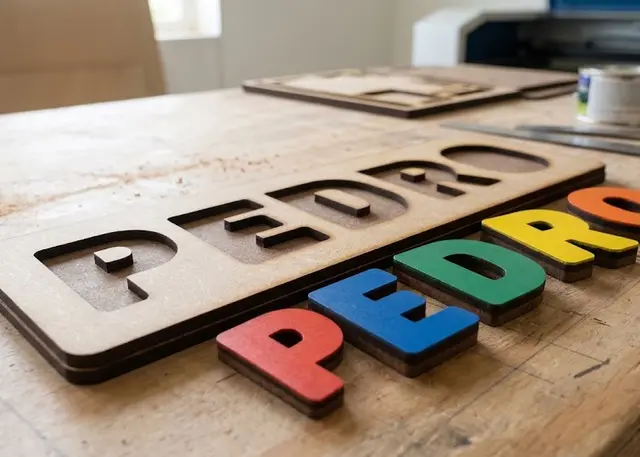 Name puzzle A board with the name cut out and every letter loose, to slot back in. It all comes out of one cut.
 -
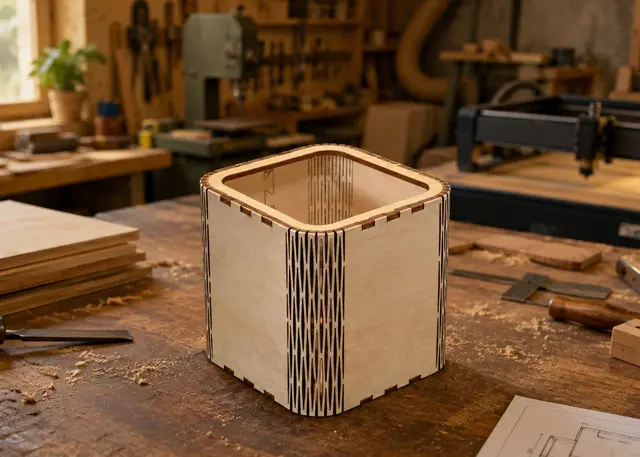 Curved corner box A box with rounded walls: the wall bends on its own thanks to a living hinge cut into the MDF.