Name puzzle Pro
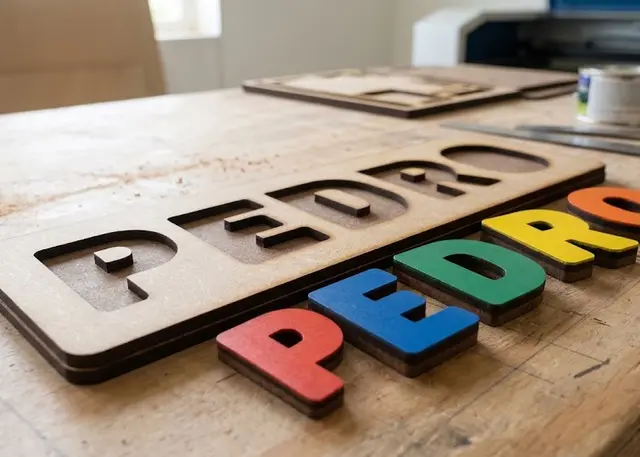
A board with the name cut out and every letter loose, to slot back in. It all comes out of one cut.
The letters are cut inside their own openings, with slot clearance and a finger hole to lift them out.
How it cuts
It is one cut and one sheet. The letters do not come separately: they are cut inside their own openings, so they come out of the board’s own material and none is wasted. Send the file as it is.
The circle at the top is for lifting the letter out. The letter trims away the part it covers, so what is left is a crescent sitting right against it: that is where your finger goes. Without it, a letter that fits snugly cannot be gripped.
Clearance is the one thing to tune to your machine. It is the gap between the letter and its opening. At 0.6 mm it goes in and out without forcing in MDF; if your laser cuts wider, lower it. Cut a short test name before running a batch.
With no clearance they are two different products. The letter and the opening become the same outline: the laser runs it once and the only thing separating them is the width of the cut. It cuts a third less and the letter ends up snug, so it goes in precisely but is harder to take out. Try a short name first: it depends on your machine’s kerf.
Capitals work better. Lower-case "i" and "j" have the dot separate from the stem, so they come out in two pieces and the dot gets lost. If the warning appears, switch the name to capitals or change font.
Frequently asked questions
Name puzzle: what size can it be?
Every measurement is typed in millimetres and the drawing is redone as you type: height, from 15 to 250 mm, spacing, from 0 to 60 mm and margin, from 4 to 120 mm. Everything else — joints, dividers, holes — is worked out from those measurements.
Does it work for MDF, acrylic or plywood?
For any sheet your laser can cut: MDF, plywood, acrylic or thick card. What matters is the thickness, adjustable from 0.5 to 20 mm, and the kerf — what the beam eats away: the joints are drawn from those two numbers, so they push together without sanding.
What format does it download in?
SVG or DXF, your choice, in millimetres and at 1:1 scale. It opens as is in LightBurn, RDWorks, LaserGRBL, Inkscape, Illustrator or CorelDRAW, with nothing to scale or convert. Cutting and engraving come on separate named layers — “Cut” in red and “Engrave” in blue — so you set the power for each without separating anything by hand.
Do I have to pay to use it?
Name puzzle is free to use and adjust: you can see exactly how your design will come out before deciding anything. Downloading the file needs the Pro plan, or one of the trial downloads that come with the free account.
Others you might need
-
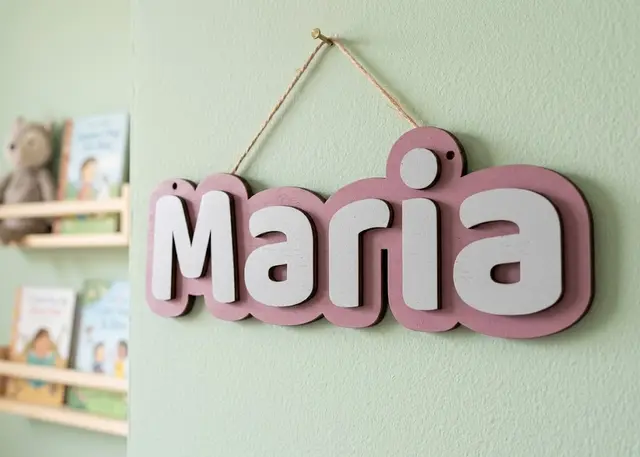 Door name sign A name to hang on a door: a one-piece backing and every letter loose, so you can paint each one a different colour.
 -
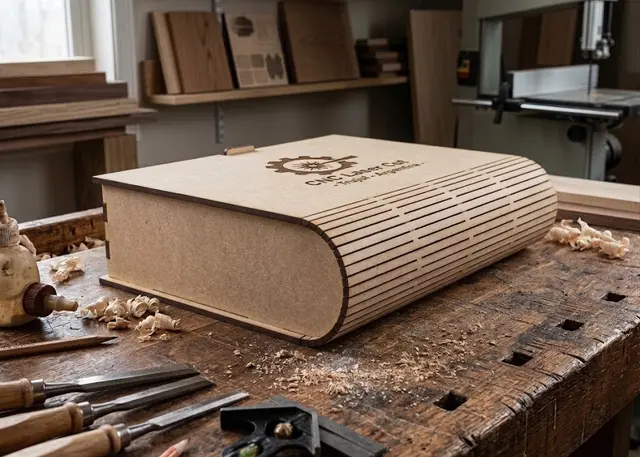 Book box A box shaped like a book: cover, curved spine and back in one piece, a tray with dividers and a wooden or magnetic catch.
 -
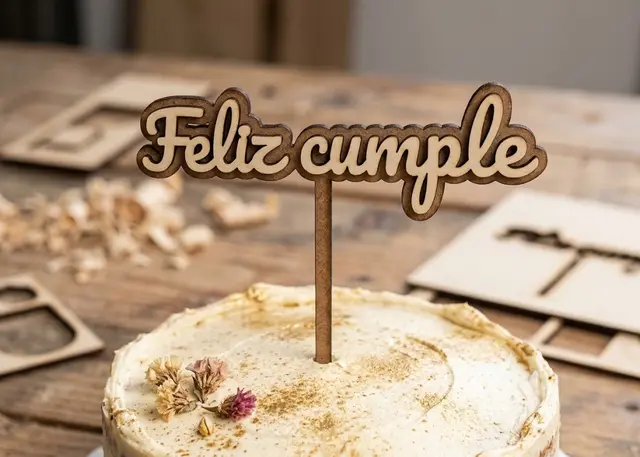 Cake topper A name with legs to stick into the cake, in one single piece so nothing falls off.