Door name sign Pro
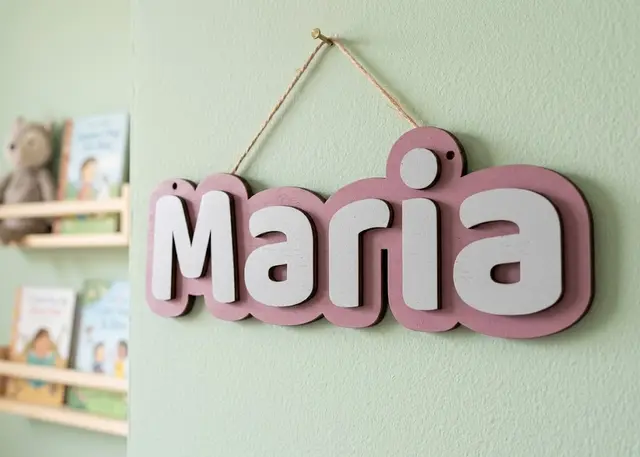
A name to hang on a door: a one-piece backing and every letter loose, so you can paint each one a different colour.
A one-piece backing, every letter loose to paint separately, and the hanging holes placed where no letter covers them.
How it goes together
Every letter is a piece. They are cut loose and glued on one by one onto the backing. That is what lets you paint each one a different colour: the colour comes from the piece, so there is nothing to mask or mark out. And if you cut them in different woods, no painting at all.
The backing is a single piece, and the border is what achieves that. Between one letter and the next there is air; thickening every silhouette closes those gaps and leaves the frame of colour whole. If the warning about it coming out in pieces appears, raise the border.
The holes find their own place, and they meet two conditions: landing inside the backing and landing clear of the letters. A hole behind a letter ends up covered when you glue it on, cannot be seen and will not take the string. They also come out at the same height, so it does not hang crooked.
The "i" and the "j" bring a loose dot. It is separate from the stem, so it is one more piece to glue. It is not a fault, but it is worth knowing before you assemble: if you would rather avoid it, write the name in capitals.
Frequently asked questions
Door name sign: what size can it be?
Every measurement is typed in millimetres and the drawing is redone as you type: height, from 20 to 400 mm, spacing, from 0 to 60 mm and border, from 1 to 60 mm. Everything else — joints, dividers, holes — is worked out from those measurements.
Does it work for MDF, acrylic or plywood?
For any sheet your laser can cut: MDF, plywood, acrylic or thick card. What matters is the thickness, adjustable from 0.5 to 20 mm, and the kerf — what the beam eats away: the joints are drawn from those two numbers, so they push together without sanding.
What format does it download in?
SVG or DXF, your choice, in millimetres and at 1:1 scale. It opens as is in LightBurn, RDWorks, LaserGRBL, Inkscape, Illustrator or CorelDRAW, with nothing to scale or convert. Cutting and engraving come on separate named layers — “Cut” in red and “Engrave” in blue — so you set the power for each without separating anything by hand.
Do I have to pay to use it?
Door name sign is free to use and adjust: you can see exactly how your design will come out before deciding anything. Downloading the file needs the Pro plan, or one of the trial downloads that come with the free account.
Others you might need
-
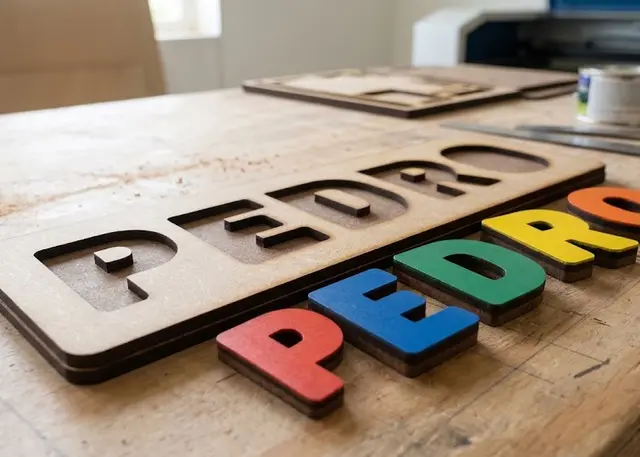 Name puzzle A board with the name cut out and every letter loose, to slot back in. It all comes out of one cut.
 -
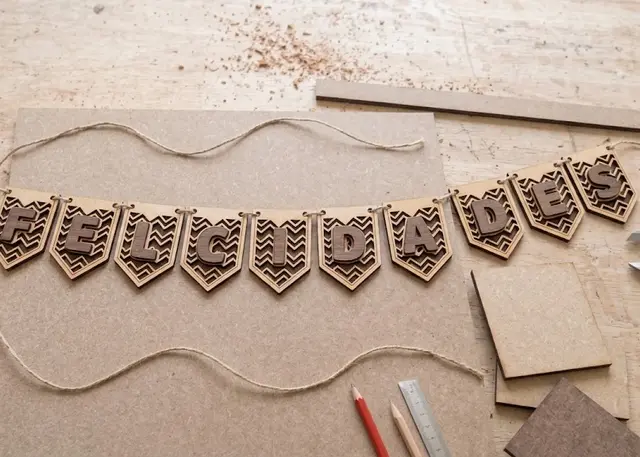 Bunting A garland of pennants in the shape you choose, with a polka-dot, diagonal or zigzag pattern and one letter on each.
 -
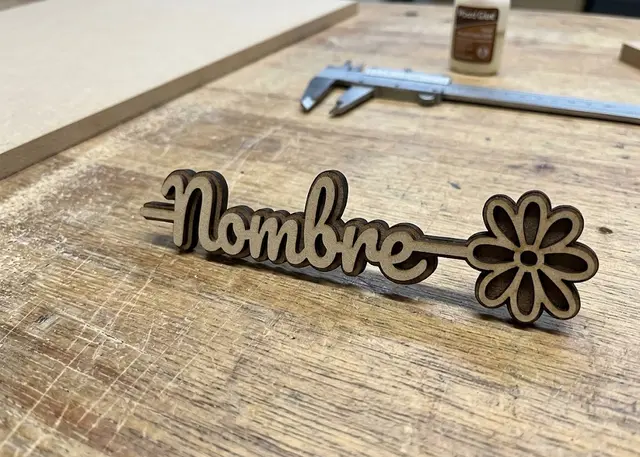 Name with a flower A name on a stem with a flower at the tip, in two layers to glue and contrast.