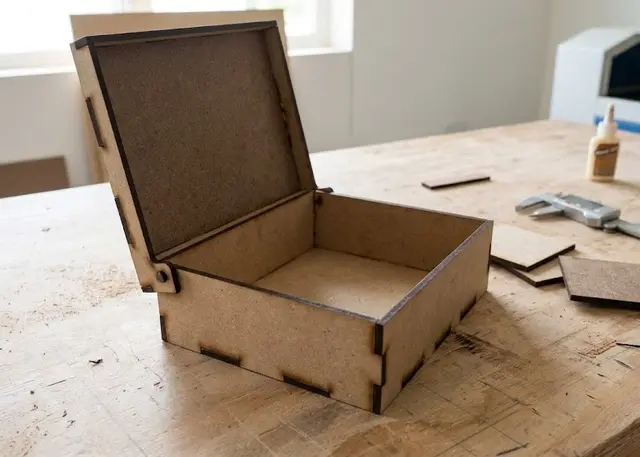
Hinged lid box Pro
A box whose lid pivots on a wooden pin and stays open by itself, with no hardware: the pin is cut from the same sheet.
The lid pivots on a pin cut from the same sheet and stands up against the back on its own. No hardware.
How it goes together
The lid pivots on a pin cut from the same sheet. No hardware: two discs are cut and press-fit into the hole in the side. The hole is drawn with kerf compensation, so it fits with no play — worth testing one on a scrap before assembling the whole thing.
The pin goes in the corner, and that position is not a detail. That point does not move as the lid turns, so the lid only ever lifts. With the pin further forward, the back corner drops below the cut line and sweeps an arc inside the body: you would have to carve a crescent out of the side, right where the back panel joint lands.
The lid has no back wall, and that is not an oversight either: if it had one, it would hit the body’s back wall as it turned. What closes the back is the body’s own back panel, which runs all the way up — and doubles as the stop the lid rests against when open.
Text works the same as on the finger joint box, on the top of the lid, which is the face you see when it is closed. Cut out, as a negative, or engraved.
Frequently asked questions
Hinged lid box: what size can it be?
Every measurement is typed in millimetres and the drawing is redone as you type: width, from 40 to 1000 mm, depth, from 40 to 1000 mm and height, from 25 to 1000 mm. Everything else — joints, dividers, holes — is worked out from those measurements.
Does it work for MDF, acrylic or plywood?
For any sheet your laser can cut: MDF, plywood, acrylic or thick card. What matters is the thickness, adjustable from 1 to 20 mm, and the kerf — what the beam eats away: the joints are drawn from those two numbers, so they push together without sanding.
What format does it download in?
SVG or DXF, your choice, in millimetres and at 1:1 scale. It opens as is in LightBurn, RDWorks, LaserGRBL, Inkscape, Illustrator or CorelDRAW, with nothing to scale or convert. Cutting and engraving come on separate named layers — “Cut” in red and “Engrave” in blue — so you set the power for each without separating anything by hand.
Do I have to pay to use it?
Hinged lid box is free to use and adjust: you can see exactly how your design will come out before deciding anything. Downloading the file needs the Pro plan, or one of the trial downloads that come with the free account.
Others you might need
-
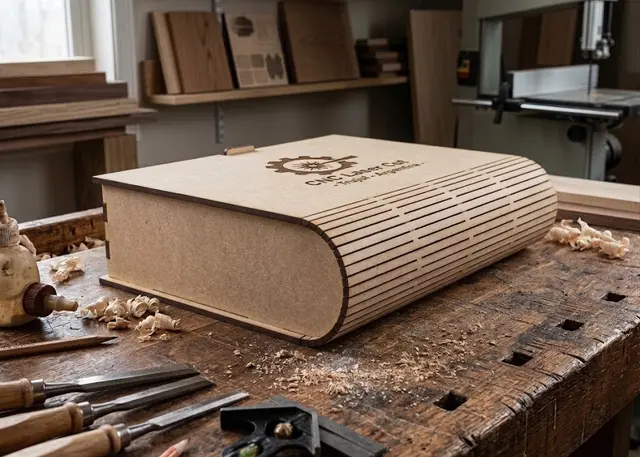 Book box A box shaped like a book: cover, curved spine and back in one piece, a tray with dividers and a wooden or magnetic catch.
 -
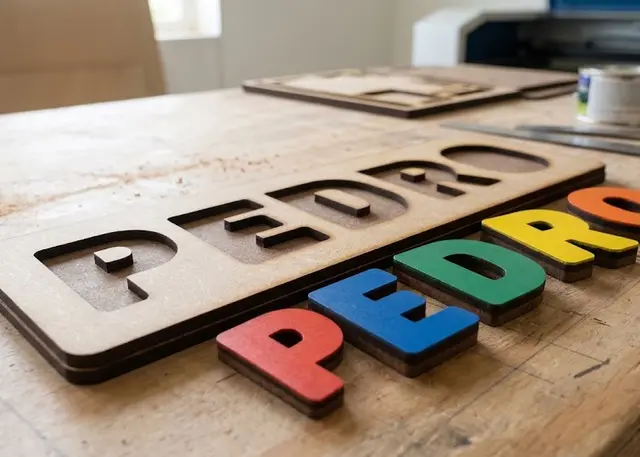 Name puzzle A board with the name cut out and every letter loose, to slot back in. It all comes out of one cut.
 -
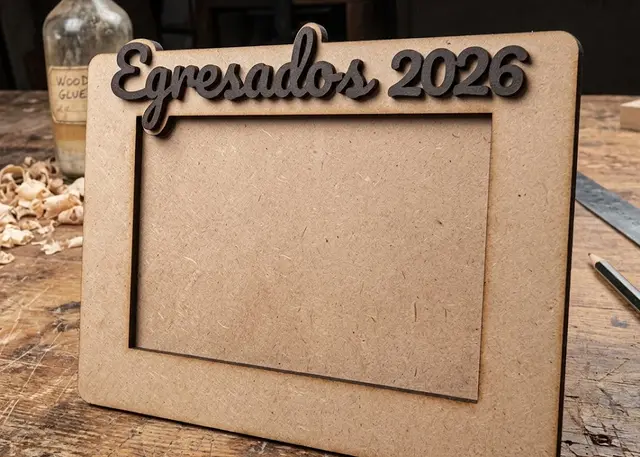 Photo frame A three-layer frame made to the size of your photo, with a slot to slide it in and a stand or holes to hang it.