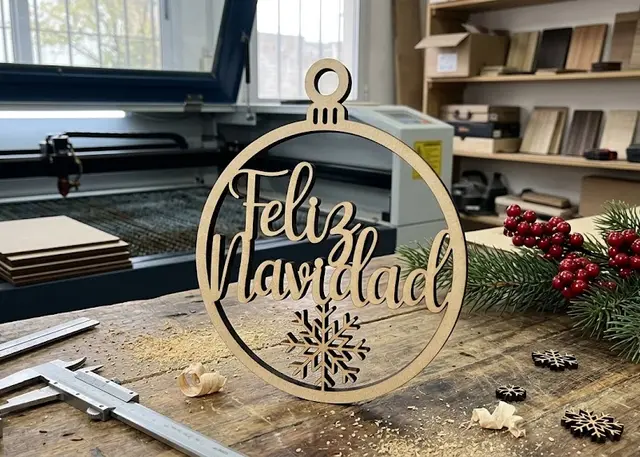
Christmas ornament Pro
A tree ornament with a name: a ring with the name across it or lace with a band, with a bow and snowflakes.
The name crosses the ring and lands on it at both ends, or sits on a band with lace above and below. Optional bow, snowflakes and backing.
How it is made
On the ring, the name is what holds the centre. It crosses the circle and lands on the ring at both ends: if one end fell short, everything inside would drop out when you lift the piece. That is why it grows by itself until it touches, and shifts along its own axis when one letter is taller than the other — the capital "S" at the front reaches further than the "a" at the end.
On the lace, what is drawn is what stays. Above and below the band the ball is emptied and the drawing stays as material, held by the rim and the band. Any stroke that reaches neither is a loose piece, and the template tells you how many are left.
The backing fixes almost everything. It is a second plain piece glued on behind: it holds the dot of the "i", the centres of cut-out letters and any loose stroke. And if you cut it in another colour, the name and the lace read in that colour.
With a bow, the hole goes through the knot. With no bow, a small tab with the hole goes on top. For a 3 mm ribbon, a 4 mm hole works well.
Script fonts do better. Their letters come joined, so the name comes out as one piece and crosses the ring without breaks. With a print typeface, every letter has to touch the next.
Frequently asked questions
Christmas ornament: what size can it be?
Every measurement is typed in millimetres and the drawing is redone as you type: width, from 40 to 250 mm, rim, from 1.5 to 15 mm and hole, from 1.5 to 12 mm. Everything else — joints, dividers, holes — is worked out from those measurements.
Does it work for MDF, acrylic or plywood?
For any sheet your laser can cut: MDF, plywood, acrylic or thick card. What matters is the thickness, adjustable from 0.5 to 20 mm, and the kerf — what the beam eats away: the joints are drawn from those two numbers, so they push together without sanding.
What format does it download in?
SVG or DXF, your choice, in millimetres and at 1:1 scale. It opens as is in LightBurn, RDWorks, LaserGRBL, Inkscape, Illustrator or CorelDRAW, with nothing to scale or convert. Cutting and engraving come on separate named layers — “Cut” in red and “Engrave” in blue — so you set the power for each without separating anything by hand.
Do I have to pay to use it?
Christmas ornament is free to use and adjust: you can see exactly how your design will come out before deciding anything. Downloading the file needs the Pro plan, or one of the trial downloads that come with the free account.
Others you might need
-
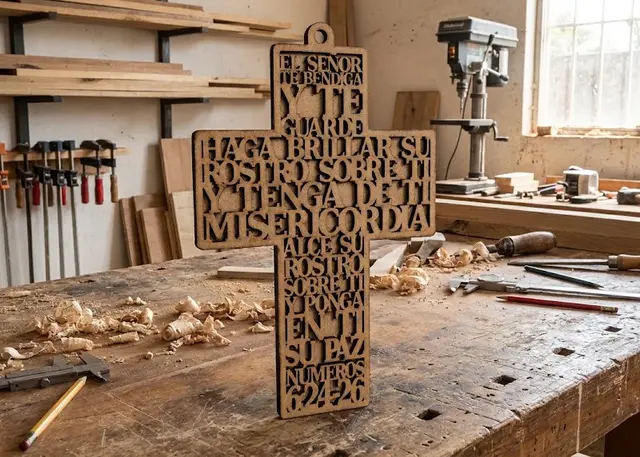 Cross with text A hanging cross with a prayer or a verse cut in negative: every row runs edge to edge across its section.
 -
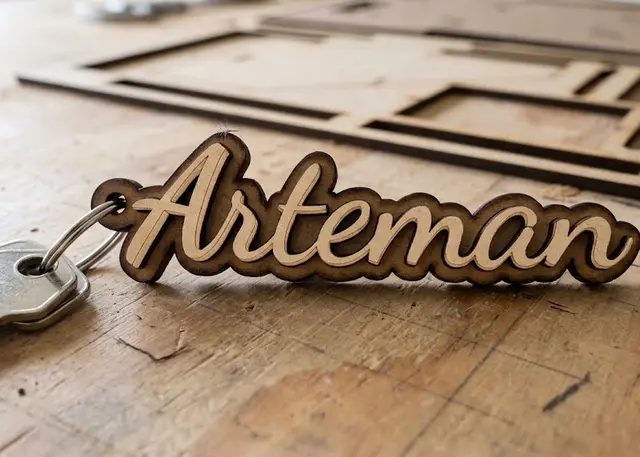 Name keyring Type one name per line and all the keyrings come out together, ready to cut.
 -
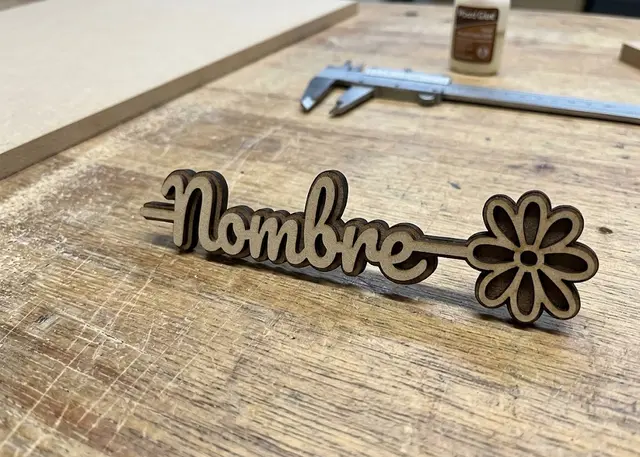 Name with a flower A name on a stem with a flower at the tip, in two layers to glue and contrast.