Folding box Pro
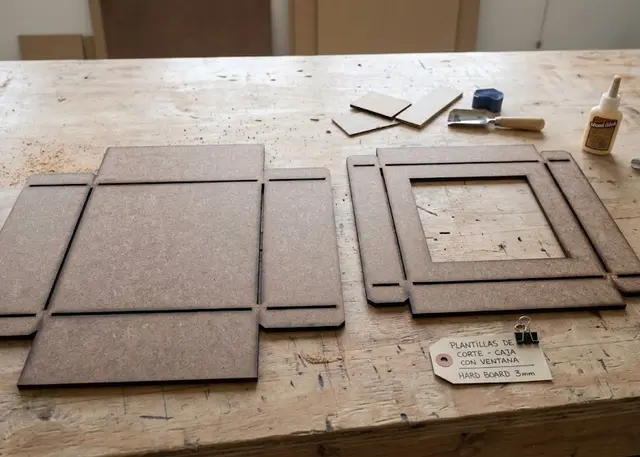
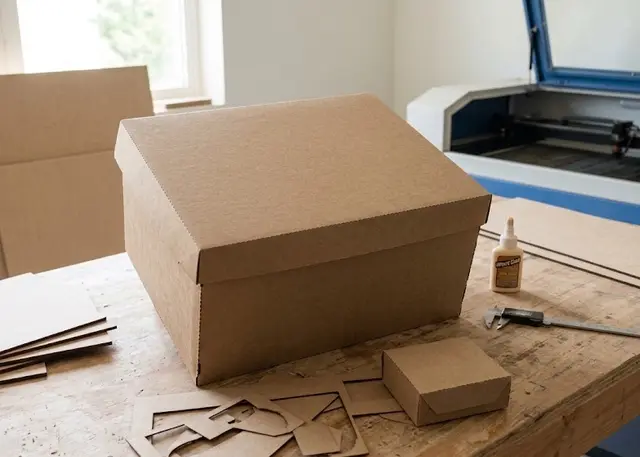
The flat net of a box to cut and fold: tray, lid and base, or a flap box, with a window and score lines.
The fold lines come out on a separate layer so you can score them without cutting through, or perforated with bridges for thick card.
Before you cut
The blue lines are NOT cut. They are the folds and they go on a separate layer called "Engrave": in LightBurn or RDWorks it opens already separated from the "Cut" layer, and there you set it to marking power. If they get cut, the box comes apart on the first fold.
From 300 gsm up, perforate instead of scoring. A half-power score works on thin card; on thick board the material fights back and the fold comes out crooked and off the line. With perforated folds you get short cuts with bridges, on the cut layer itself: it folds on its own and does not tear.
The measurements are the inside ones. That is what matters: something has to fit in there. The lid is worked out on its own from the outside measurements of the base — the inside ones plus two thicknesses — plus the clearance, so it goes on without scraping.
You fold against the score, not with it. The scored side faces OUT of the box: card opens where it has been weakened, so folding the other way cracks the good face.
The tabs are glued on the inside. On the tray they are on the short walls and glue against the long ones; on the flap box it is the side tab. They are chamfered so they do not show past the edges.
For the window, acetate glued on the inside, with a couple of millimetres of overlap onto the frame.
Frequently asked questions
Folding box: what size can it be?
Every measurement is typed in millimetres and the drawing is redone as you type: width, from 15 to 600 mm, depth, from 15 to 600 mm and height, from 5 to 400 mm. Everything else — joints, dividers, holes — is worked out from those measurements.
Does it work for MDF, acrylic or plywood?
For any sheet your laser can cut: MDF, plywood, acrylic or thick card. What matters is the thickness, adjustable from 0.1 to 6 mm, and the kerf — what the beam eats away: the joints are drawn from those two numbers, so they push together without sanding.
What format does it download in?
SVG or DXF, your choice, in millimetres and at 1:1 scale. It opens as is in LightBurn, RDWorks, LaserGRBL, Inkscape, Illustrator or CorelDRAW, with nothing to scale or convert. Cutting and engraving come on separate named layers — “Cut” in red and “Engrave” in blue — so you set the power for each without separating anything by hand.
Do I have to pay to use it?
Folding box is free to use and adjust: you can see exactly how your design will come out before deciding anything. Downloading the file needs the Pro plan, or one of the trial downloads that come with the free account.