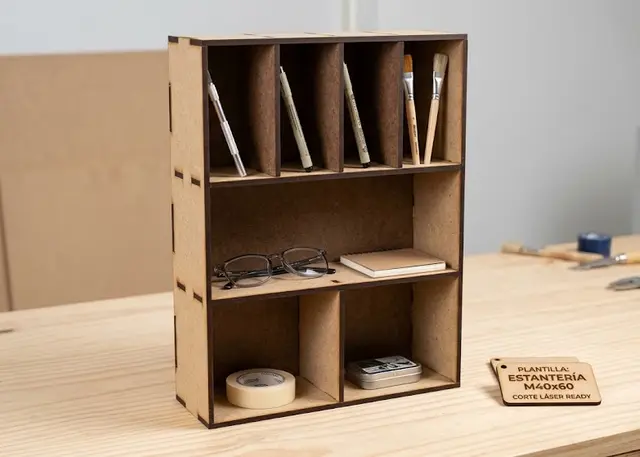
Shelving unit Pro
A made-to-measure shelving unit: you pick how many shelves, how tall each one is and how many bays it splits into.
Each row with its own height and how many bays it splits into, shelves that pass through the sides, and a warning when a span will sag.
How it goes together
The grid is written row by row. "280 280 200" is three rows of that clear height, and "1 2 3" says how many bays each one splits into. That is how you get the unit with a full-width shelf on top and small cubbies underneath, which you could not do with separate rows and columns.
The shelves pass through the sides. They are not butted and glued: they carry tabs that go through slots and show on the other side. It assembles dry and holds itself up, so you can correct things before gluing, and the joint works in shear rather than relying on glue.
A sagging shelf is the real problem with these units, and you do not see it until they are loaded. Deflection grows with the cube of the span: a run twice as long sags eight times as much. It is not fixed with a bit more thickness, it is fixed by splitting it with a divider — which is why the warning depends on the ratio between the span and the material, and not on a fixed measurement.
The back panel is not just cosmetic. It is what stops the unit racking sideways when you push it from the side, and on a tall narrow shelving unit that is exactly how it fails. Without it, fix it to the wall.
Frequently asked questions
Shelving unit: what size can it be?
Every measurement is typed in millimetres and the drawing is redone as you type: width, from 60 to 1500 mm, depth, from 50 to 900 mm and thickness, from 1 to 20 mm. Everything else — joints, dividers, holes — is worked out from those measurements.
Does it work for MDF, acrylic or plywood?
For any sheet your laser can cut: MDF, plywood, acrylic or thick card. What matters is the thickness, adjustable from 1 to 20 mm, and the kerf — what the beam eats away: the joints are drawn from those two numbers, so they push together without sanding.
What format does it download in?
SVG or DXF, your choice, in millimetres and at 1:1 scale. It opens as is in LightBurn, RDWorks, LaserGRBL, Inkscape, Illustrator or CorelDRAW, with nothing to scale or convert. Cutting and engraving come on separate named layers — “Cut” in red and “Engrave” in blue — so you set the power for each without separating anything by hand.
Do I have to pay to use it?
Shelving unit is free to use and adjust: you can see exactly how your design will come out before deciding anything. Downloading the file needs the Pro plan, or one of the trial downloads that come with the free account.
Others you might need
-
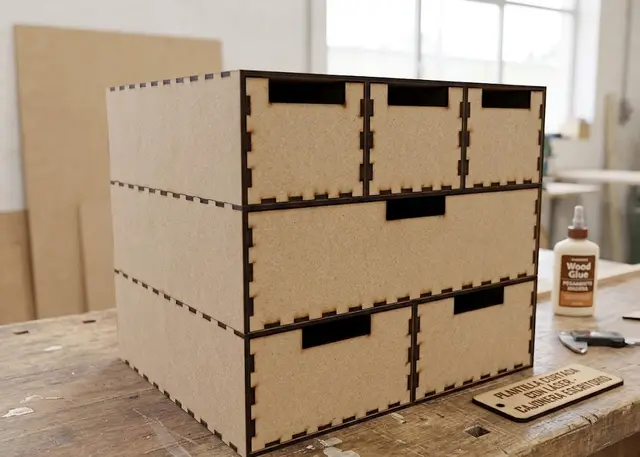 Desk drawer unit A made-to-measure drawer unit: you pick how many rows, how tall each one is and how many drawers fit in it.
 -
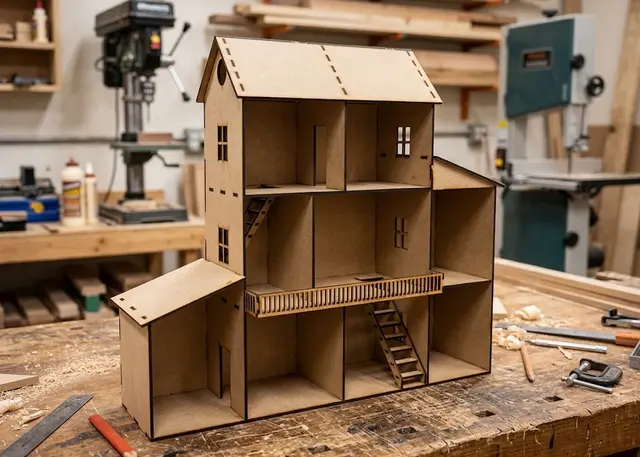 Dollhouse A dollhouse made to your measurements: you pick how many floors, how tall each one is and how many rooms it splits into.
 -
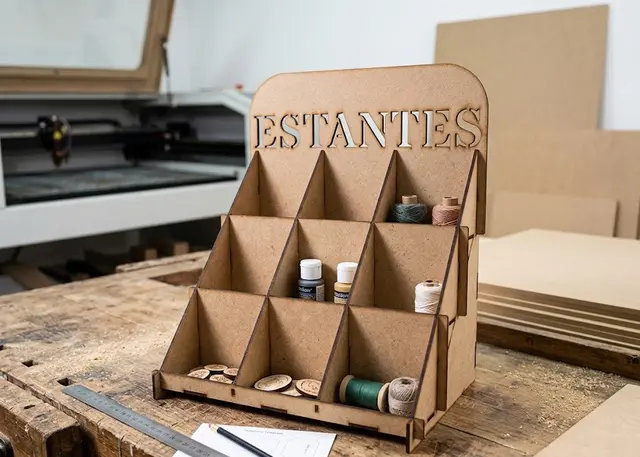 Stepped display stand Stepped shelves for a counter: risers that close off each step, one-piece dividers and a sign on top.