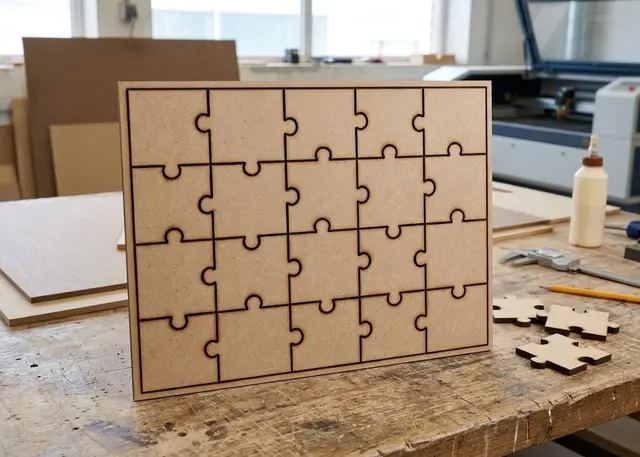
Photo jigsaw puzzle Pro
The cut lines of a jigsaw made to the size of your photo: rows, columns and tabs that really do lock together.
It cuts lines rather than pieces, so every edge is travelled once and the tabs come out snug.
How it is made
The photo is printed and stuck on, not engraved. A laser does not print colour: send the photo to be printed on photo paper or vinyl, stick it down flat on the board, and only then cut. That is why the only thing this template has to get right is the size.
It cuts lines, not pieces. Every interior line is the shared edge of two neighbouring pieces, so it is cut only once. If each piece were its own outline, the laser would pass twice along every edge, the cut would come out twice as wide and the pieces would end up loose.
Write the seed down if you are going to repeat the batch. The tabs come out at random so the pieces do not get confused with each other, but the same number always gives the same jigsaw. Without it, a new batch would never match the previous one.
Match the rows and columns to the proportions of the photo. On a 20×15, five columns and four rows give square pieces; five and two give long thin ones and the jigsaw looks untidy. The template warns you when they go out of proportion.
Frequently asked questions
Photo jigsaw puzzle: what size can it be?
Every measurement is typed in millimetres and the drawing is redone as you type: width, from 40 to 1500 mm and height, from 40 to 1500 mm. Everything else — joints, dividers, holes — is worked out from those measurements.
Does it work for MDF, acrylic or plywood?
For any sheet your laser can cut: MDF, plywood, acrylic or thick card. Material thickness and kerf — what the beam eats away — are set in the panel, and the drawing is redone with them.
What format does it download in?
SVG or DXF, your choice, in millimetres and at 1:1 scale. It opens as is in LightBurn, RDWorks, LaserGRBL, Inkscape, Illustrator or CorelDRAW, with nothing to scale or convert. Cutting and engraving come on separate named layers — “Cut” in red and “Engrave” in blue — so you set the power for each without separating anything by hand.
Do I have to pay to use it?
Photo jigsaw puzzle is free to use and adjust: you can see exactly how your design will come out before deciding anything. Downloading the file needs the Pro plan, or one of the trial downloads that come with the free account.
Others you might need
-
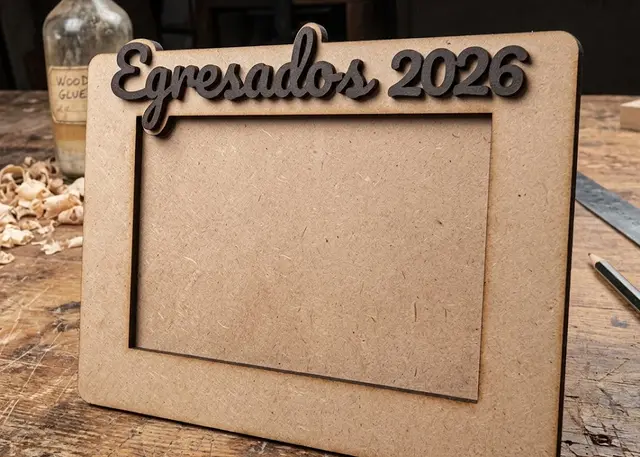 Photo frame A three-layer frame made to the size of your photo, with a slot to slide it in and a stand or holes to hang it.
 -
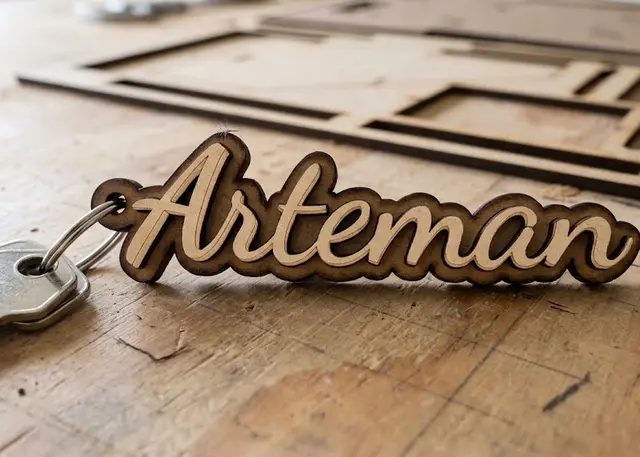 Name keyring Type one name per line and all the keyrings come out together, ready to cut.
 -
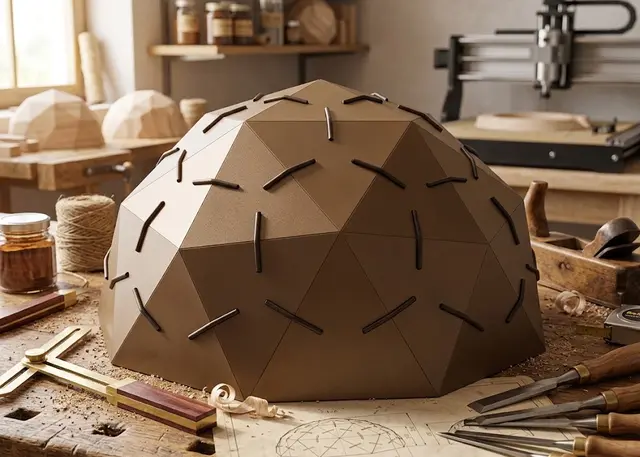 Geodesic dome A dome of triangles that clip together: pick the diameter and the frequency, and the pieces come out with the exact angles.