Box making template Pro
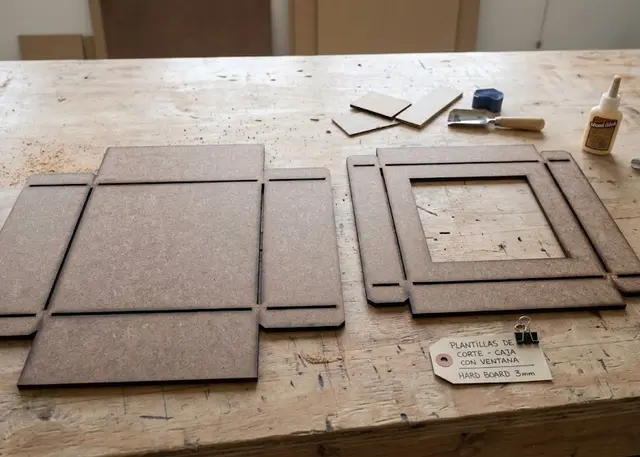
The physical template for marking and cutting boxes by hand: cut it once in MDF and it lasts forever.
Slots the width of your marker, cut in sections with bridges so the sheet does not snap.
What it is for
This is not the box: it is the template for making it by hand. Cut it once in MDF and it lasts forever. Whoever uses it needs no machine: they lay the template on the card, mark round it with a pencil or run a craft knife along it, and mark the folds through the slots. Every box comes out the same without measuring anything.
It is the same net as the folding box template, read from the same place. If a joint or a measurement is ever corrected, it is corrected in both: a template that does not match the box is no use.
How to use it
Outline first, folds after. With the template held down, mark or cut along the outer edge and the cut-outs — the window, the thumb notch. Without moving the sheet, run the marker through each slot.
The bridges are deliberate. Every fold line crosses the template from side to side: if the slot ran straight through, the sheet would fall in two. That is why it is cut in sections, and why a small unmarked gap is left at each bridge: once folded you cannot tell, the card bends just the same.
The slot width is the width of your tool. An ordinary marker needs 2.5 or 3 mm; a pencil or a craft knife are fine with 2. Any narrower and the tip will not go in; any wider and the line wanders, so the fold ends up off.
Cut it in 3 mm MDF. Thinner than that it flexes as you press on it and the line comes out wavy. The engraving is so you know which template is which once you have several of them put away.
Frequently asked questions
Box making template: what size can it be?
Every measurement is typed in millimetres and the drawing is redone as you type: width, from 15 to 600 mm, depth, from 15 to 600 mm and height, from 5 to 400 mm. Everything else — joints, dividers, holes — is worked out from those measurements.
Does it work for MDF, acrylic or plywood?
For any sheet your laser can cut: MDF, plywood, acrylic or thick card. What matters is the thickness, adjustable from 1 to 12 mm, and the kerf — what the beam eats away: the joints are drawn from those two numbers, so they push together without sanding.
What format does it download in?
SVG or DXF, your choice, in millimetres and at 1:1 scale. It opens as is in LightBurn, RDWorks, LaserGRBL, Inkscape, Illustrator or CorelDRAW, with nothing to scale or convert. Cutting and engraving come on separate named layers — “Cut” in red and “Engrave” in blue — so you set the power for each without separating anything by hand.
Do I have to pay to use it?
Box making template is free to use and adjust: you can see exactly how your design will come out before deciding anything. Downloading the file needs the Pro plan, or one of the trial downloads that come with the free account.
Others you might need
-
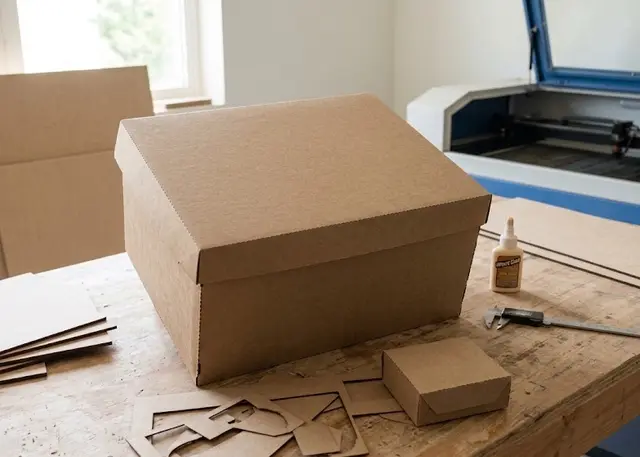 Folding box The flat net of a box to cut and fold: tray, lid and base, or a flap box, with a window and score lines.
 -
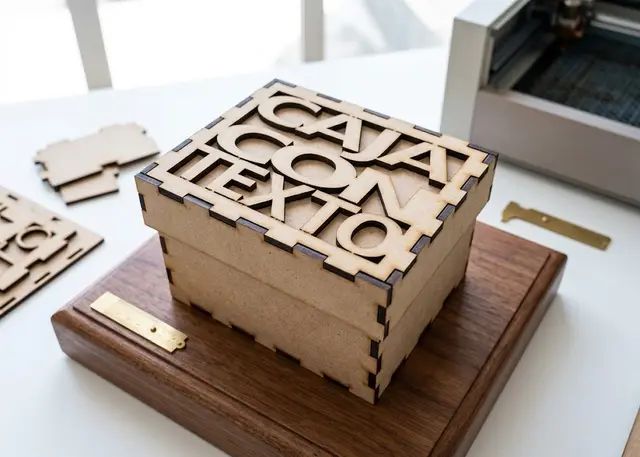 Finger joint box A made-to-measure box for laser cutting in MDF or acrylic, with an optional lid and dividers.
 -
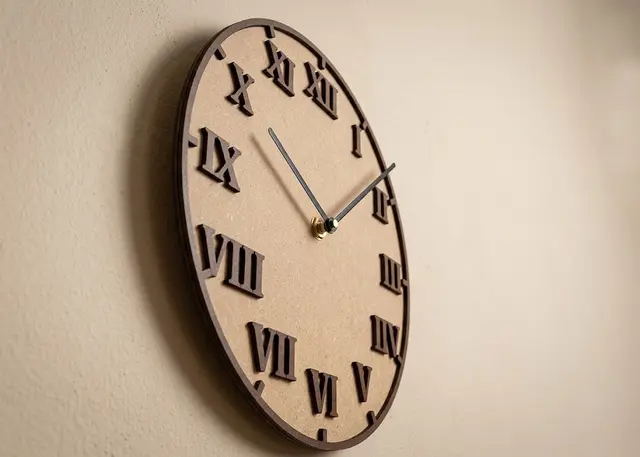 Clock face The face of a wall clock, with Arabic or Roman numerals, hour marks and minute marks.